How to Access and Use Electronic Resources?
【 ※ How do I access and use library electronic resources? 】
Instructions for the Research Eyes Electronic Resources Management System:
- System URL: Click here to enter
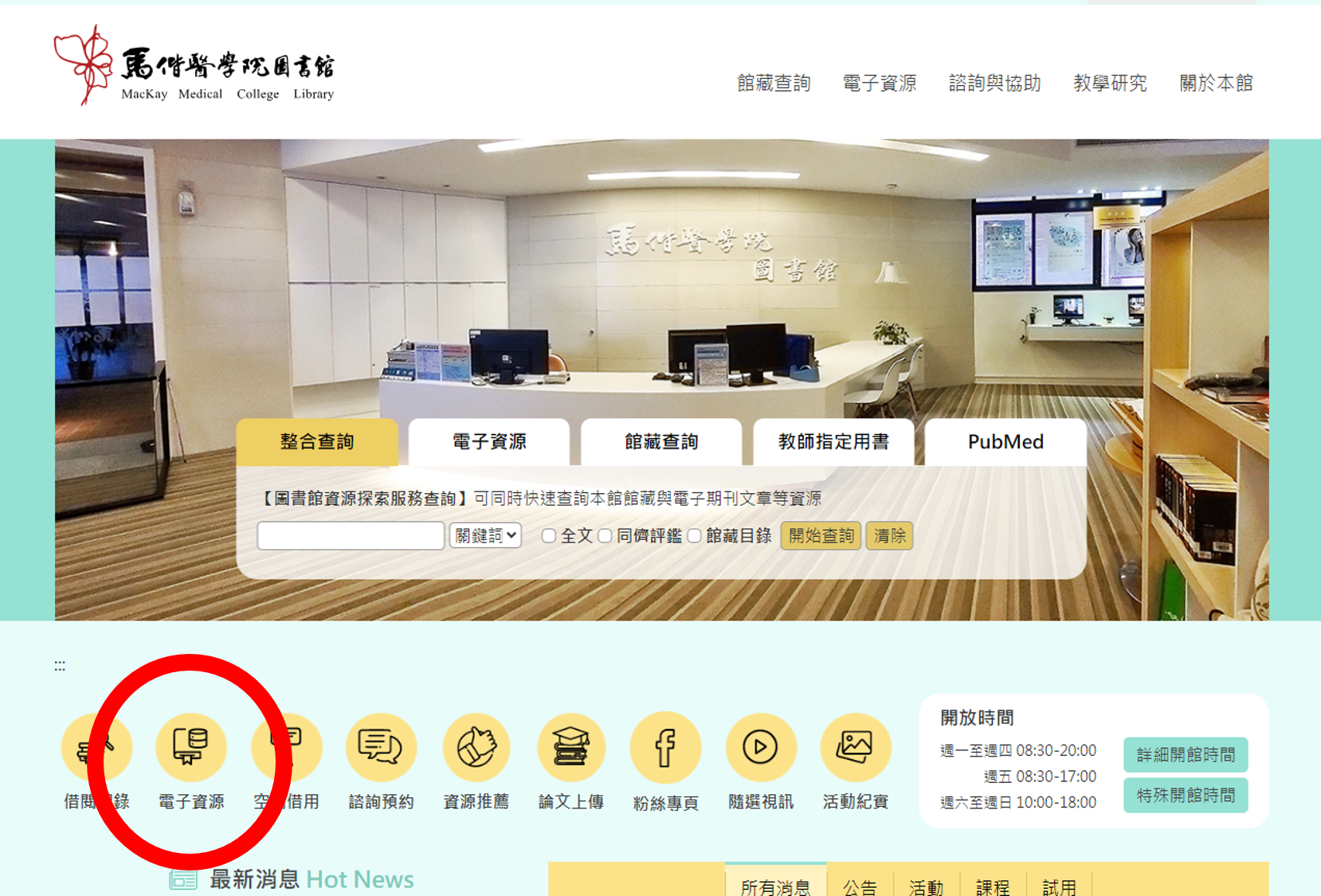
- Access Steps: Click on the "Electronic Resources" icon located on the left-hand menu of the Library homepage. Enter your Student ID or Faculty/Staff Portal username and password to log in and use the system.
- User Manual: System User Manual