How to Use the Electronic Resources Management System and Where to Find the User Manual?
【 ※ How do I use the Electronic Resources Management System, and where is the user manual located? 】
The Electronic Resources Management System (Research Eyes) serves as the centralized platform for managing all library electronic resources. The user manual for this system is directly hosted on the platform portal.
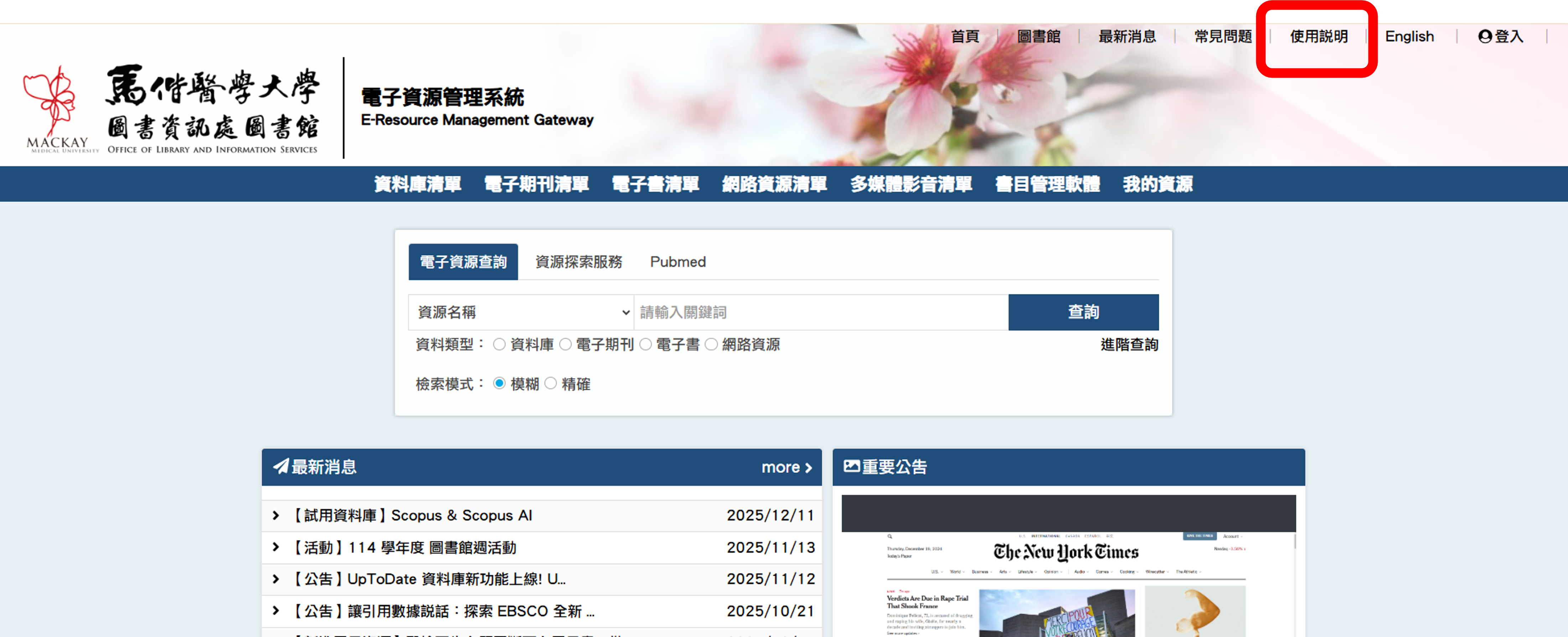
The file can be accessed via the "User Guide" link located in the upper-right corner of the Electronic Resources Management System webpage. Following the step-by-step instructions provided in the manual will allow you to navigate through our electronic collections seamlessly.
System URL Portal: https://ermg.mmu.edu.tw/