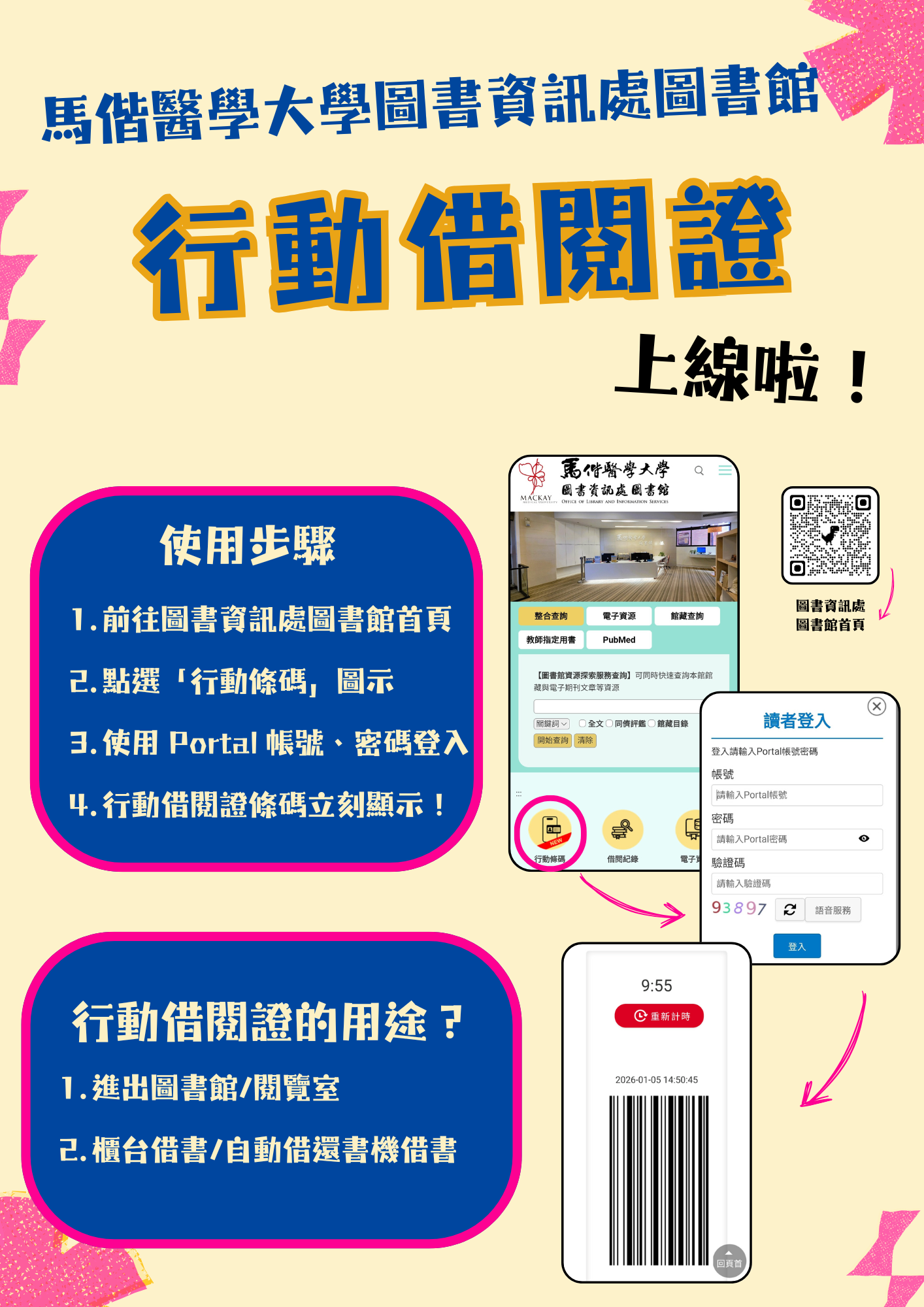
[Notices] Launch of the Library and Information Services Division’s "Mobile Library Card" Service
To provide more convenient services, the Library and Information Services Division Library has launched the “Mobile Library Card” service. Readers can go to the Library and Information Services Division Library homepage (https://lib.mmu.edu.tw/), click the “Mobile Barcode” icon, and log in with their Portal account and password to display their mobile library card barcode. The mobile library card can then be used for entering and exiting the Library/Reading Room, borrowing books at the service desk, and borrowing books via the self-check machine.