
Space Introduction
【 🏫 Library Spaces Introduction (Teaching & Research Building I, Area C) 】
◉ Distance Learning Commons I
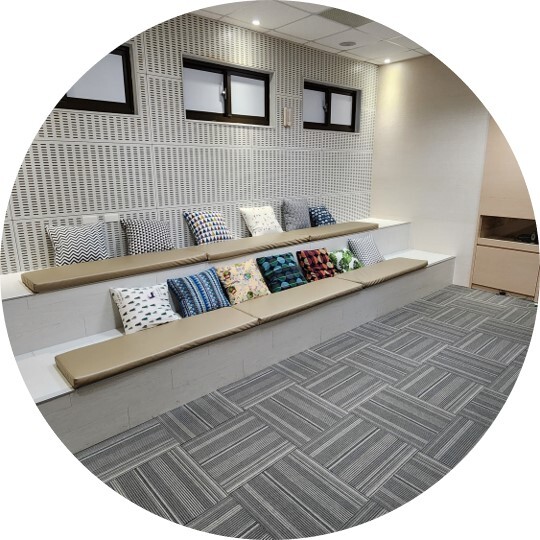
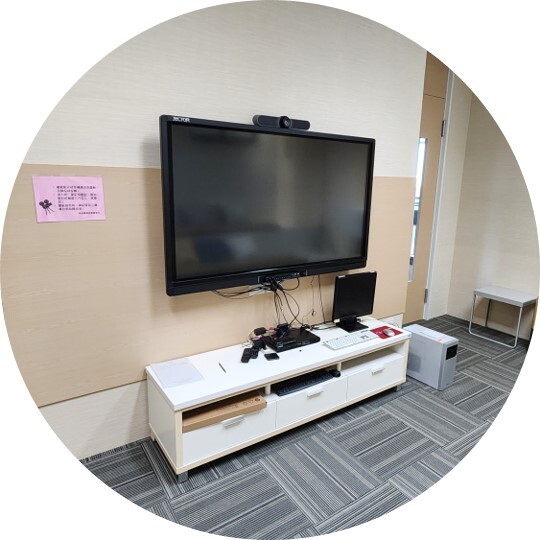
Provides a comfortable, independent environment with a capacity of 20 seats. The room is equipped with video conferencing systems, a 65-inch touch screen monitor, a DVD player, and a desktop PC station, designed for distance learning or collaborative academic discussions.
This multi-purpose space can also accommodate small-group lectures or student organizational discussions. Reservations are highly encouraged.
◉ Distance Learning Commons II
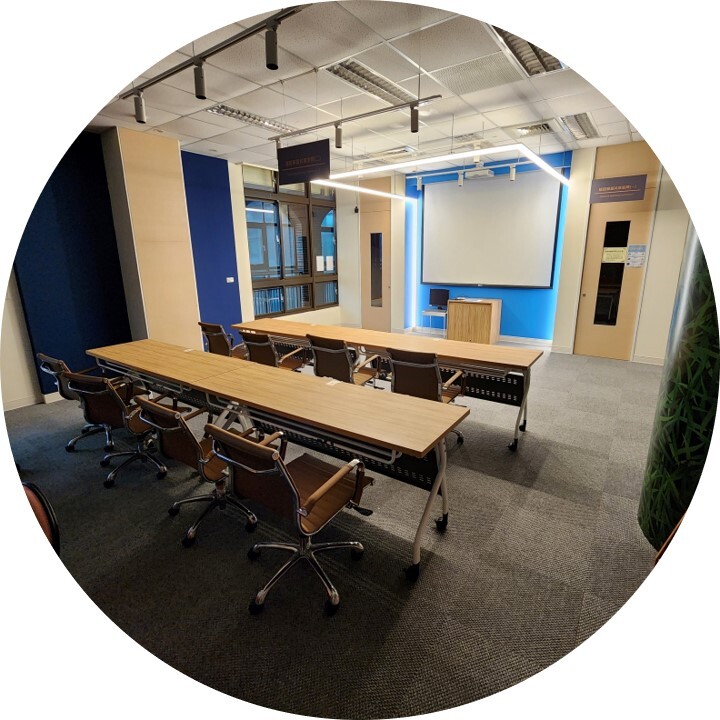
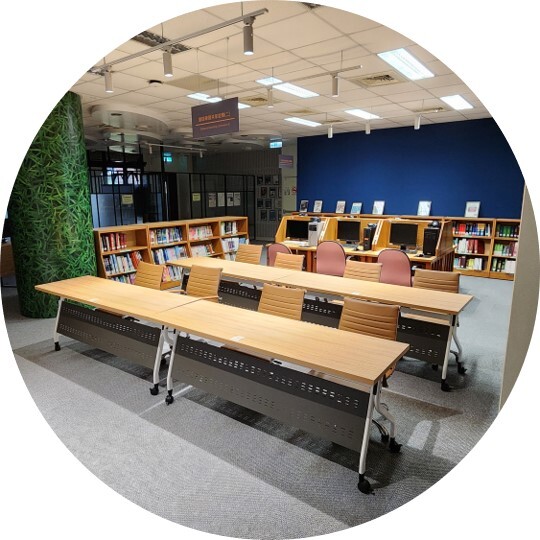
Provides an open-concept collaborative environment with a capacity of 8 seats. The area features 4 modular mobile presentation desks, a ultra-short-throw laser projector, a 120-inch motorized projection screen, and a desktop PC station, enabling fluid collaborative workshops and presentations.
This space is perfectly suited for small seminars or interactive academic brainstorm sessions. Reservations are available online.
◉ Group Discussion Rooms
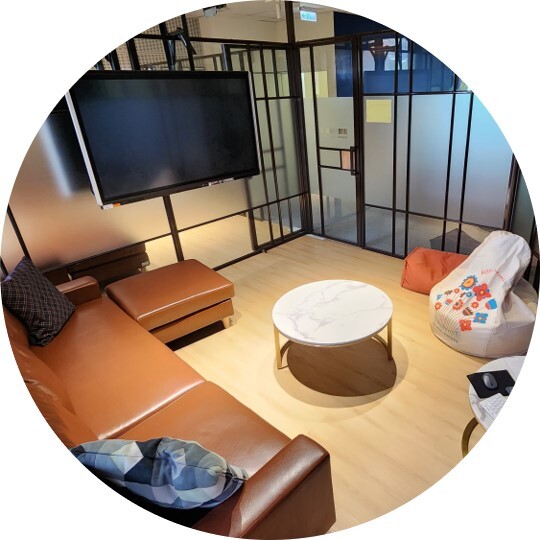
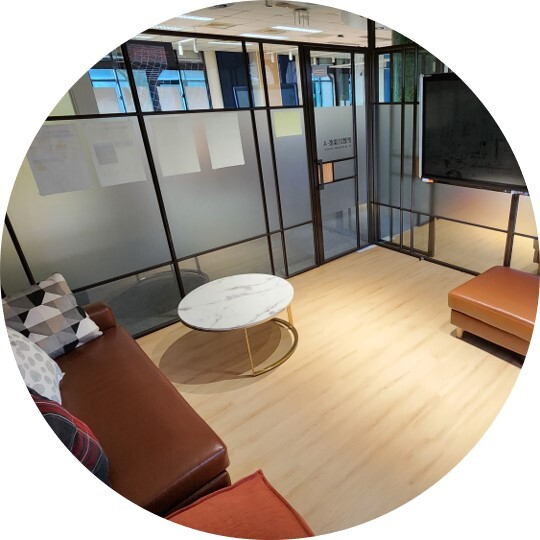
Each room accommodates up to 4 users in a comfortable semi-open setup. Every room is outfitted with a 65-inch touch interactive display monitor and a dedicated desktop computer system for general peer learning and small group work.
📍 Location: Library 3rd Floor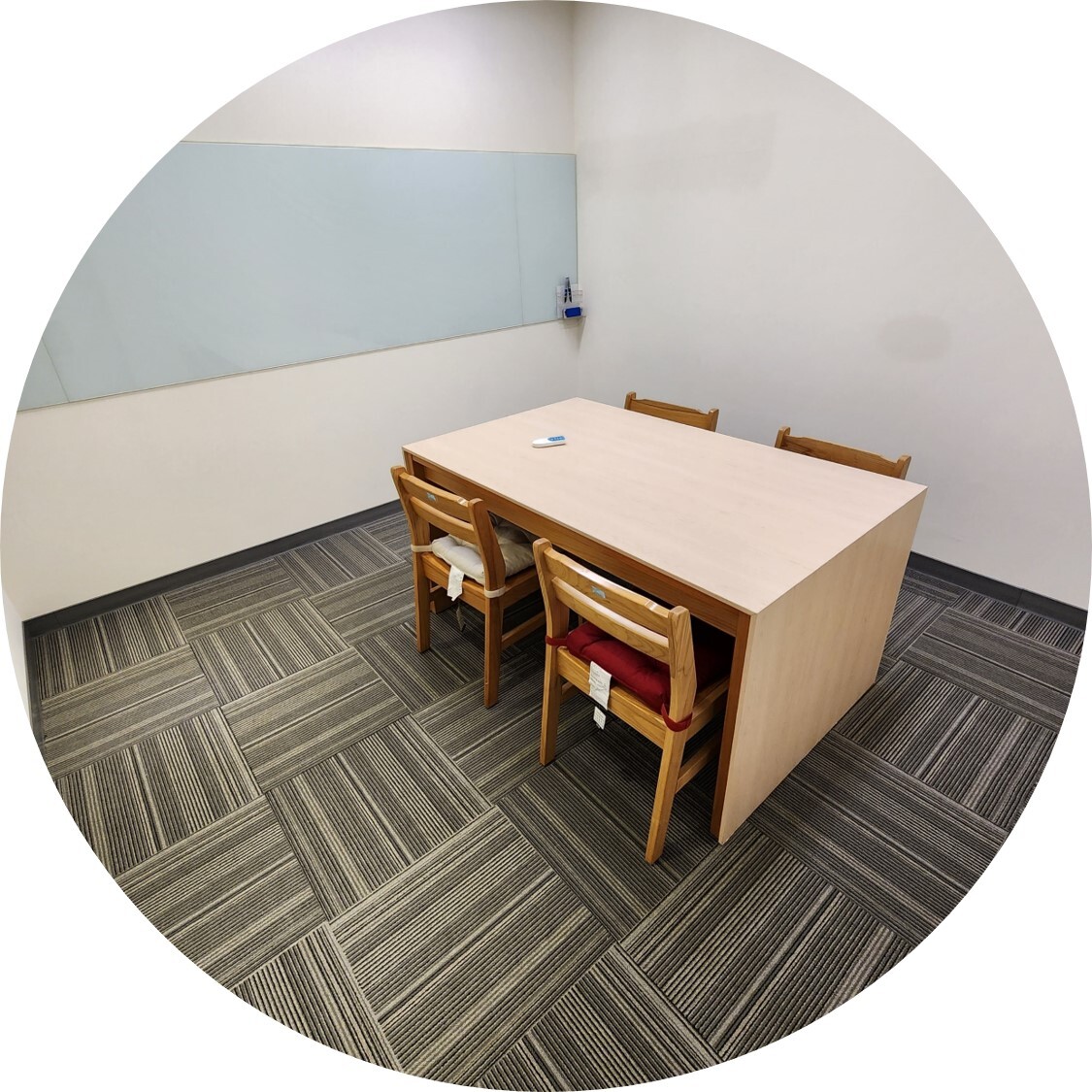
Accommodates up to 4 users in an independent private room layout. The space features large whiteboard fixtures, serving as an optimal environment for creative brainstorming, project planning, and intensive seminar groups.
📍 Location: Study Room, Teaching & Research Building II (Opposite the Student Affairs Office)◉ Digital Search & Research Area
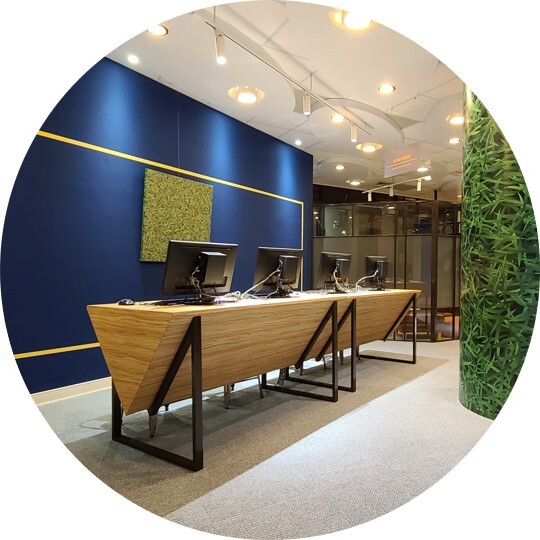
Equipped with 4 desktop computer terminals designated for literature discovery, citation lookups, and library catalog indexing services to support comprehensive study exploration.
◉ Multimedia Audiovisual Station
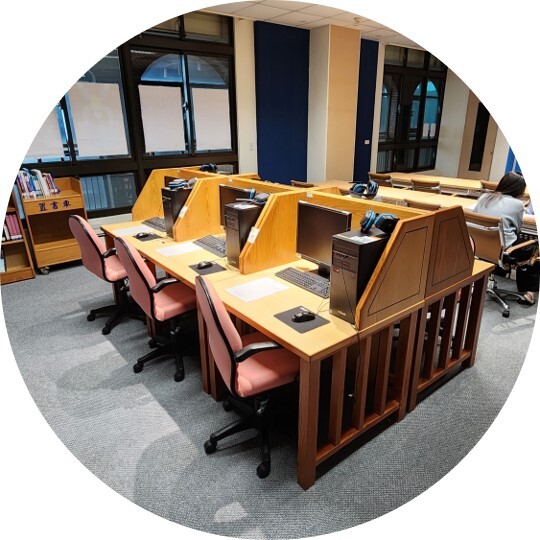
Features 8 desktop computer viewing stations paired with 8 high-fidelity over-ear studio headphones, creating an ideal setting for independent electronic study and multimedia coursework reviews.
💡 Multimedia Resources Access & Online Search:
1. Please query our interactive resource records through the catalog platform: Online Search Portal (WebPAC)
2. Review physical media asset guides: Browse Media Catalogs (iVideo)
※ Once availability is validated via the system, please fetch the materials by requesting fulfillment directly at the Library 2nd Floor Circulation Desk.
⚠️ Important Notice: Multimedia physical media assets are legally designated for in-library viewing purposes only and cannot be checked out for off-campus use.
【 🏫 Library Study Room Introduction (Teaching & Research Building II, Area D) 】
◉ Library Study Room
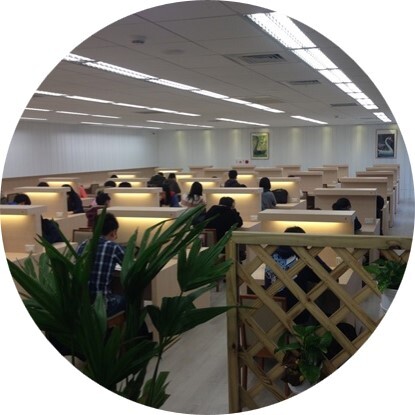
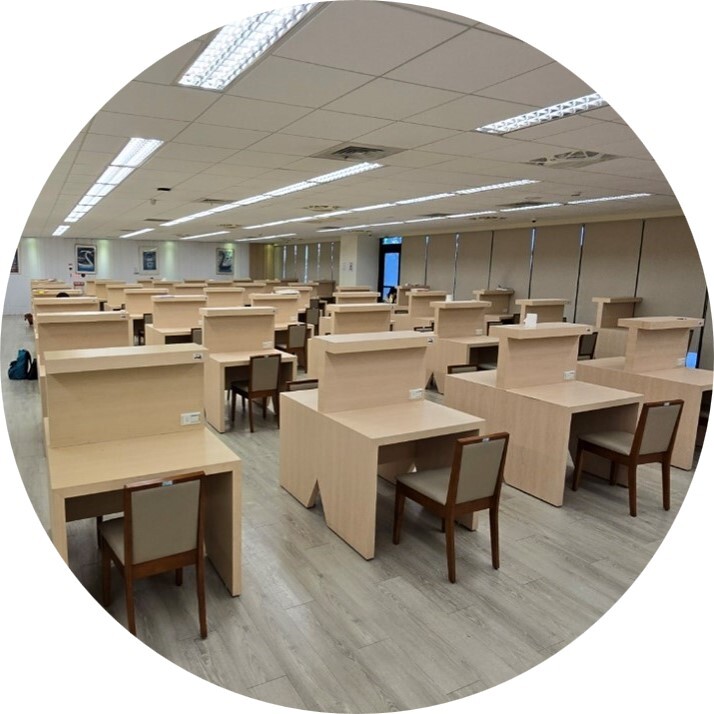
Provides 98 private carrel desks and 1 independent group discussion room for up to 4 students, creating a premier scholarly workspace for intensive revisions.
💡 Workspace Infrastructure:
· Every single desk carrel features dedicated independent AC power plugs and adjustable LED power-saving study lamps.
· The entire indoor complex is supported by full-coverage high-speed enterprise Wi-Fi 6 campus networks.
📍 Location: Study Room, Teaching & Research Building II, Area D (Opposite Student Affairs)📢 Space Booking & Reservation Instructions:
★ If you wish to secure any space listed above, please submit a scheduling request directly through the online reservation system. For immediate on-site assistance, you are welcome to visit the library circulation desk on the 2nd floor or the office staff on the 3rd floor.
👉 Online Booking Entry: Go to Online Space Booking Instructions & Policies Page
